Español
  English
PES vs. DST vs. EXP: ¿Qué formato de archivo de bordado necesitas realmente?
Introduction: The Alphabet Soup of Embroidery
If you are new to the world of machine embroidery, it is easy to feel overwhelmed by the sheer volume of file extensions. When you purchase high-quality designs online or order custom digitizing services in the United States, you are often handed a zip folder containing a dozen different files: .PES, .DST, .EXP, .HUS, .JEF, .VIP, .VP3, .XXX. It looks like an alphabet soup of digital data.
But why are there so many different extensions? What are the physical differences between them, and which of these embroidery file formats does your machine actually need to stitch out a flawless design? In this ultimate guide, we will break down the three most popular formats in the industry—DST, PES, and EXP—saving you time, frustration, and machine errors.
1. Commercial Standard: DST (Tajima)
The DST format, originally created by the Tajima embroidery machine company in Japan, is the undisputed universal standard for commercial and industrial embroidery machines. Whether you own an industrial Tajima, Barudan, SWF, Melco, or Ricoma multi-head machine, it reads DST files.
However, DST is a “stitch-only” format, meaning it is highly stripped-down and basic. It stores only three critical instructions: where to move the needle (using precise coordinate points), when to jump (skip a space without stitching), and when to trim the thread. Because of this simplicity, DST has two major limitations:
- No Color Information: A DST file does not store actual thread color profiles. When you load a DST file into your machine or editing software, it will show random, generic colors. The operator must refer to a physical PDF production worksheet (specifying thread stops) to manually assign the correct cone colors to each needle on the machine.
- No Hoop Size Guardrails: A DST file does not know what hoop size you are using. If you load a design that is too large for your hoop, the machine will attempt to stitch it anyway, resulting in a dangerous hoop strike that can damage your machine.
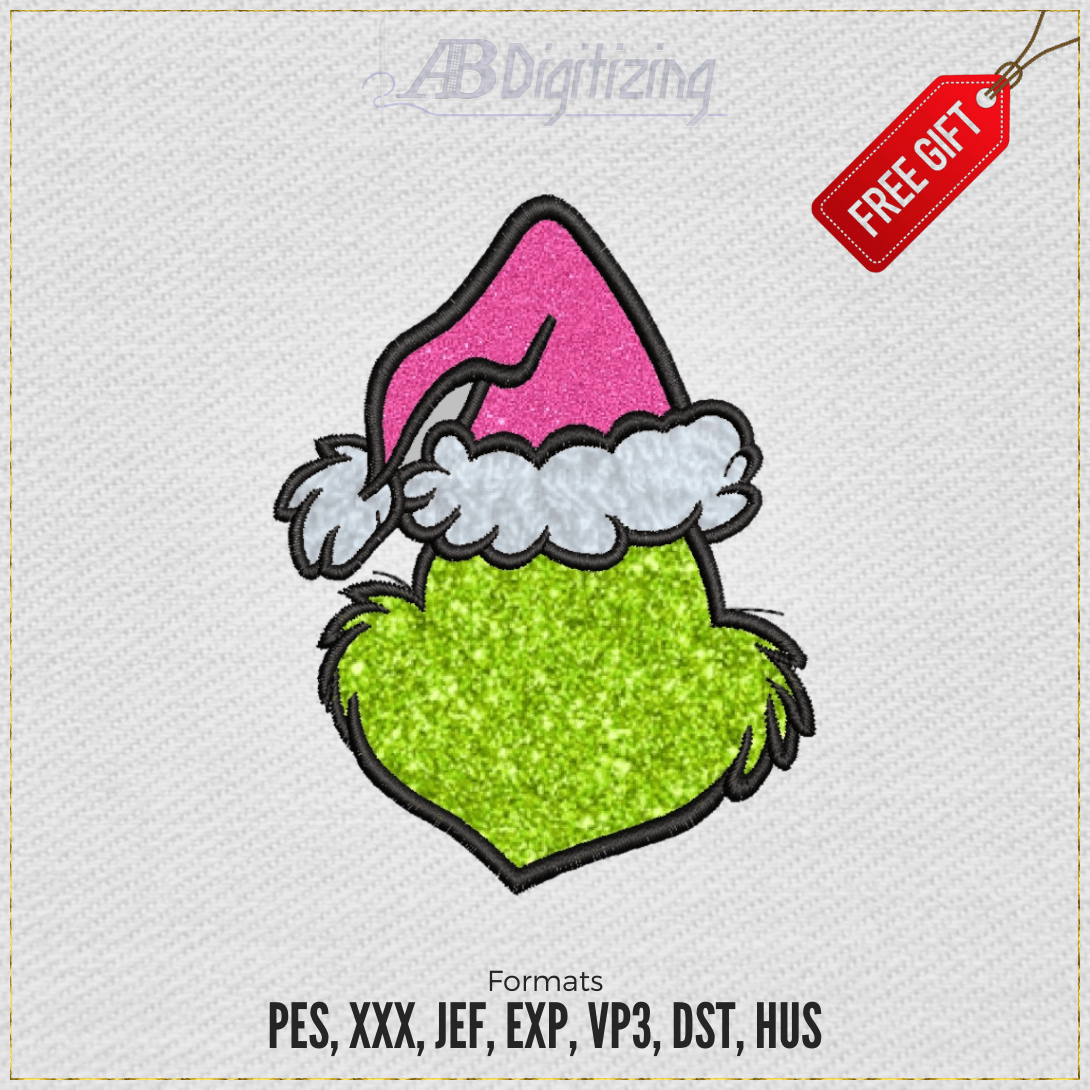
2. Home Champion: PES (Brother / Baby Lock)
The PES format, created by Brother, is the reigning king of the home and prosumer embroidery markets. If you own a Brother, Baby Lock, or Bernette home embroidery machine, PES is your native format.
Unlike DST, PES is a “design-rich” format. It is much more intelligent because it stores detailed metadata alongside the stitch paths:
- Thread Color Profiles: PES files store exact thread color names and brand profiles. When you load a PES file, the machine screen will display the actual colors of the design, making it extremely easy for home hobbyists to follow along without a printed sheet.
- Hoop Limits: PES files store hoop size constraints. If you try to open a design that exceeds your hooped area, your machine will issue a warning and block execution, protecting your hoop and needle plate.
- Vector Outlines: Many PES files preserve structural vector boundaries, allowing you to easily scale the design up or down in software without ruining the stitch density. For dense projects, check out our guide on applique embroidery digitizing which relies heavily on these coordinates.
3. Crossover Standard: EXP (Melco / Bernina)
The EXP format was originally developed by Melco, a leading manufacturer of commercial embroidery machines. Today, EXP has been adopted by Bernina as their primary home/commercial crossover format.
EXP is unique because it behaves like a hybrid. In commercial environments, it acts exactly like a DST file—stripped-down, fast, and ignoring color data. However, in Bernina home environments, it is paired with an additional .INF (Information) file that contains color stops and thread metadata, offering the best of both worlds. For a clean comparison of how file paths differ, view our analysis of digitalización manual frente a digitalización automática.
Conclusion: Get the Right Format for Your Setup
To avoid production delays, always match the file format to your machine’s native language. If you are a commercial shop running multi-head machines, stick to DST and utilize a paper worksheet. If you are a home enthusiast or boutique owner using Brother machines, PES is your best friend. At ABDigitizing, we provide a complete multi-format bundle with every single design purchase and custom order, ensuring you have the exact embroidery file formats you need. Browse our premium multi-format designs catalog today!