 English
Show prices in
Approximate prices. You always pay in USD. Exchange rates from . Rates By Exchange Rate API
 English
Show prices in
Approximate prices. You always pay in USD. Exchange rates from . Rates By Exchange Rate API
If you are new to the world of machine embroidery, it is easy to feel overwhelmed by the sheer volume of file extensions. When you purchase high-quality designs online or order custom digitizing services in the United States, you are often handed a zip folder containing half a dozen different files: .DST, .EXP, .JEF, .PES, .VP3 and .XXX. It looks like an alphabet soup of digital data.
But why are there so many different extensions? What are the physical differences between them, and which of these embroidery file formats does your machine actually need to stitch out a flawless design? In this ultimate guide, we will break down the three most popular formats in the industry (DST, PES, and EXP), saving you time, frustration, and machine errors.
The DST format, originally created by the Tajima embroidery machine company in Japan, is the undisputed universal standard for commercial and industrial embroidery machines. Whether you own an industrial Tajima, Barudan, SWF, Melco, or Ricoma multi-head machine, it reads DST files.
However, DST is a “stitch-only” format, meaning it is highly stripped-down and basic. It stores only three critical instructions: where to move the needle (using precise coordinate points), when to jump (skip a space without stitching), and when to trim the thread. Because of this simplicity, DST has two major limitations:
The PES format, created by Brother, is the reigning king of the home and prosumer embroidery markets. If you own a Brother, Baby Lock, or Bernette home embroidery machine, PES is your native format.
Unlike DST, PES is a “design-rich” format. It is much more intelligent because it stores detailed metadata alongside the stitch paths:
The EXP format was originally developed by Melco, a leading manufacturer of commercial embroidery machines. Today, EXP has been adopted by Bernina as their primary home/commercial crossover format.
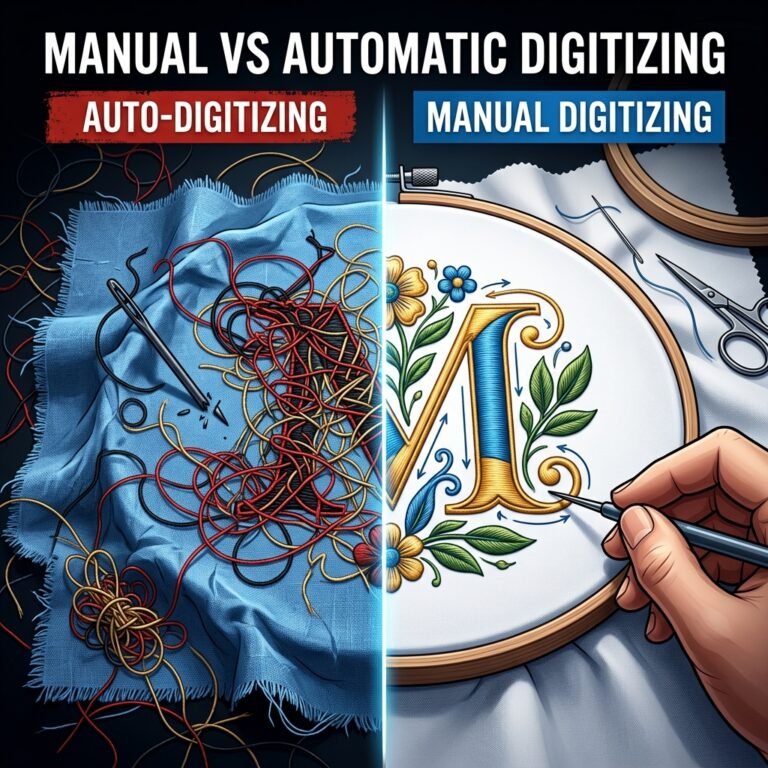
EXP is unique because it behaves like a hybrid. In commercial environments, it acts exactly like a DST file: stripped-down, fast, and ignoring color data. However, in Bernina home environments, it is paired with an additional .INF (Information) file that contains color stops and thread metadata, offering the best of both worlds. For a clean comparison of how file paths differ, view our analysis of manual vs auto-digitizing.
To avoid production delays, always match the file format to your machine’s native language. If you are a commercial shop running multi-head machines, stick to DST and utilize a paper worksheet. If you are a home enthusiast or boutique owner using Brother machines, PES is your best friend. At ABDigitizing, we provide a complete multi-format bundle with every single design purchase and custom order, ensuring you have the exact embroidery file formats you need. Browse our premium multi-format designs catalog today!