 English
Show prices in
Approximate prices. You always pay in USD. Exchange rates from . Rates By Exchange Rate API
EnglishShow prices in
Approximate prices. You always pay in USD. Exchange rates from . Rates By Exchange Rate API
Send us your logo or artwork and get it back stitch-ready in 1-2 business days, in the formats your machine reads. Quotes are free, you pay only after you accept the price, and revisions are unlimited.
Service prices in USD
A screen preview is still a screen. When you tick one of these, we stitch your finished design out on real fabric, photograph it, and send you that photo with your completed order, so you see the real thread, the real density and the real result before you commit a garment to it.
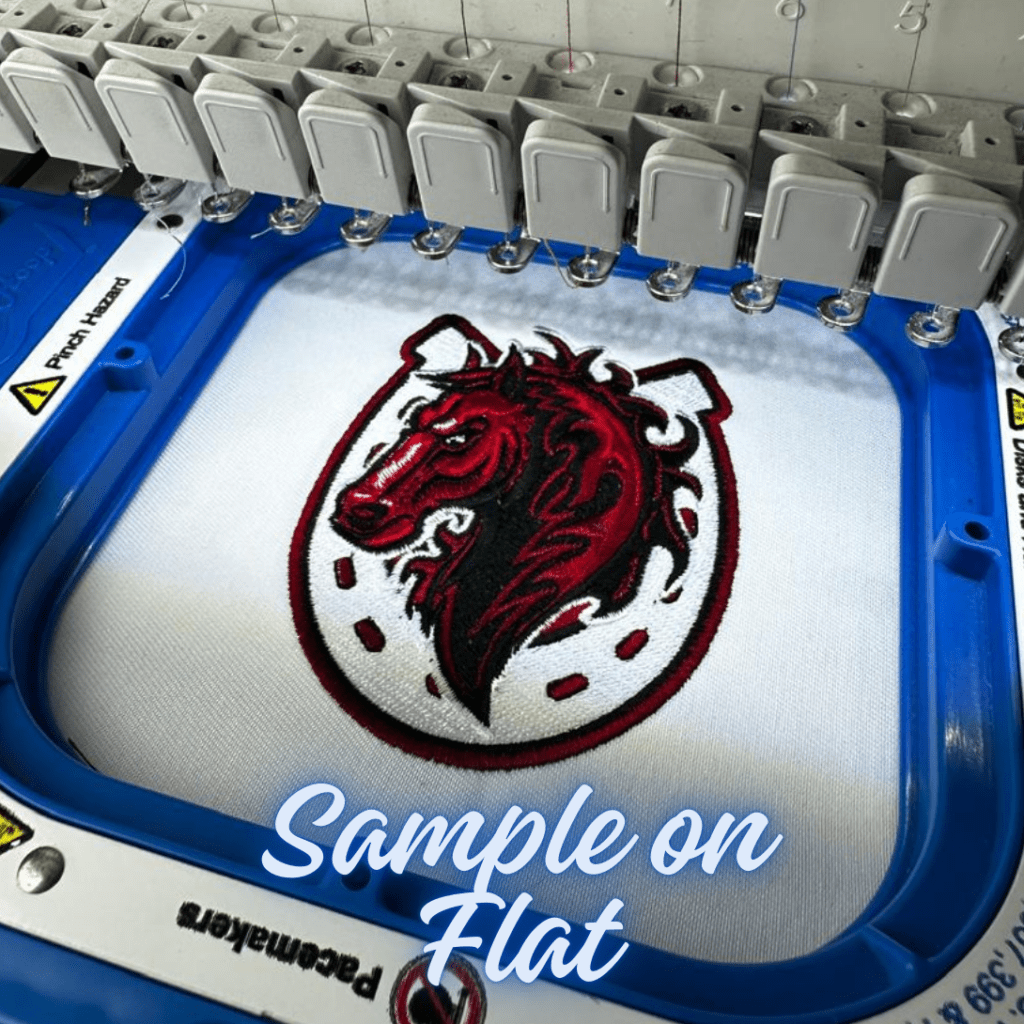
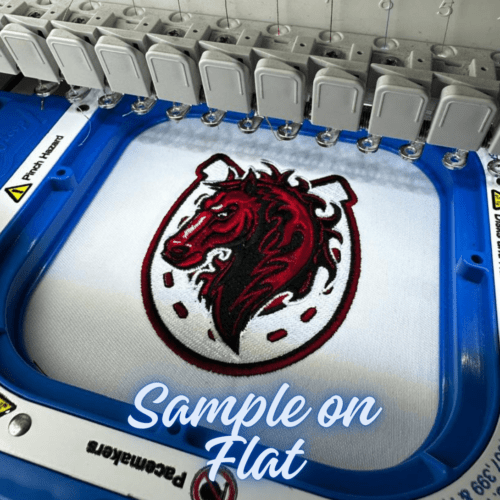
We stitch your finished design on flat fabric and photograph it, so you can see the real stitch-out before you run it on your own garment.
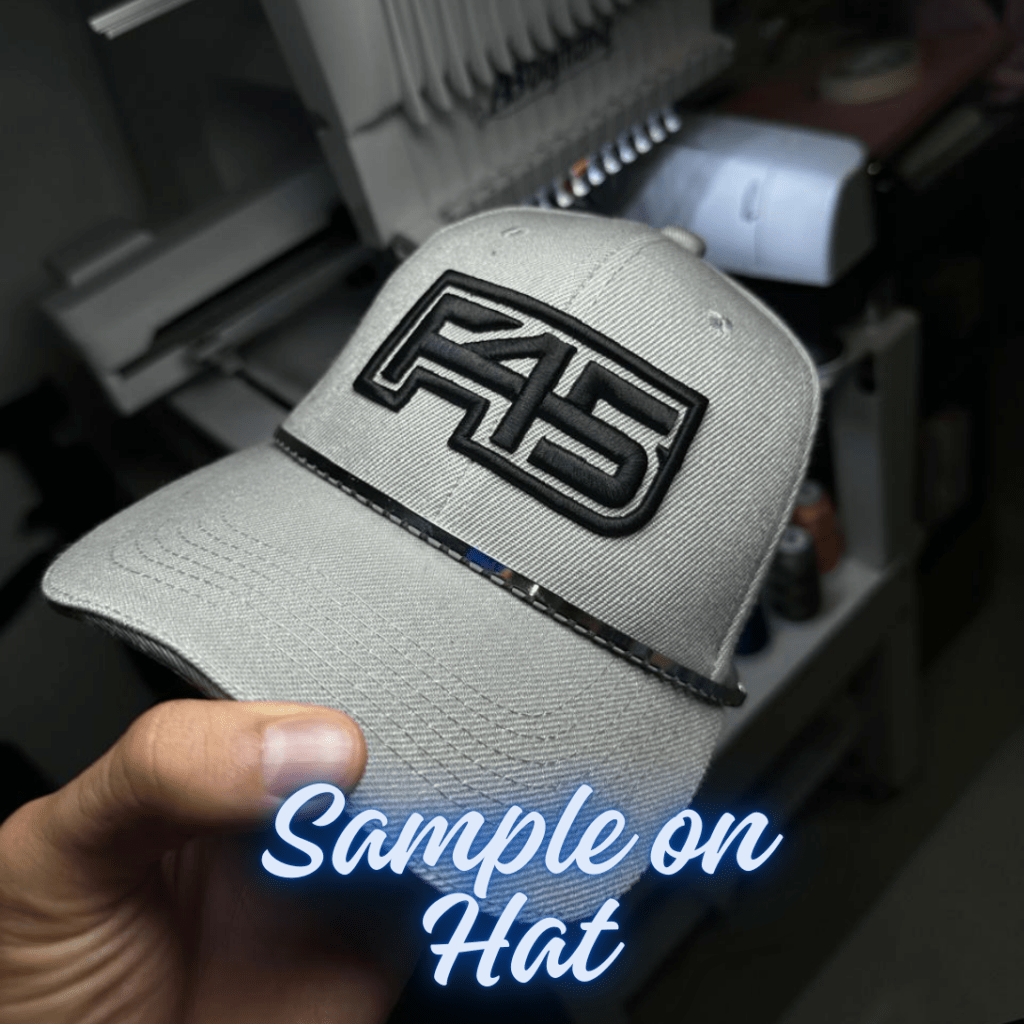
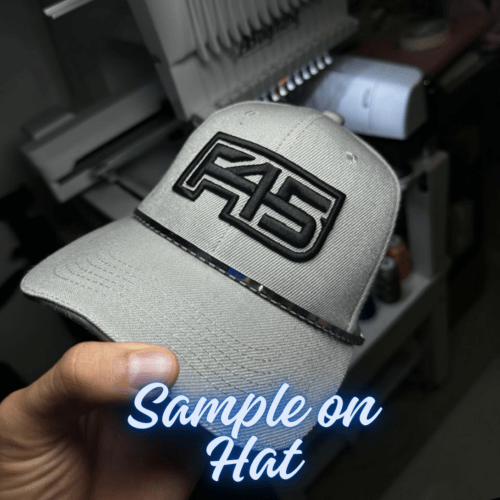
The same, stitched on a cap. A hat seam and a curved crown behave nothing like flat fabric, so this is the one to pick when the design is headed for headwear.
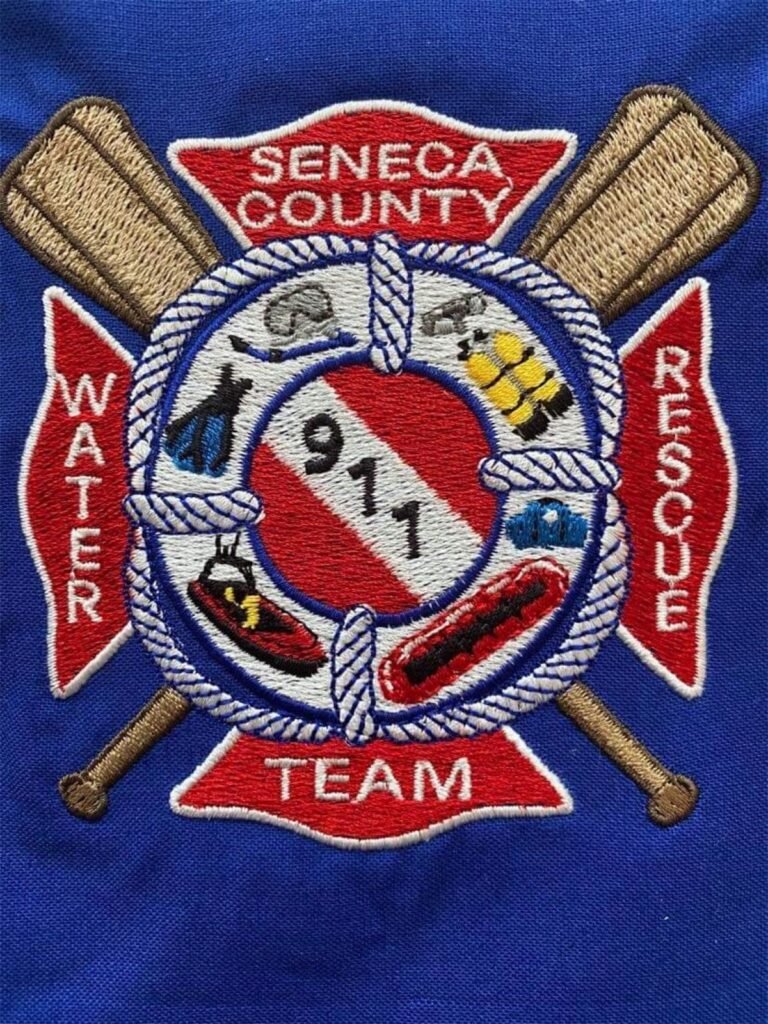
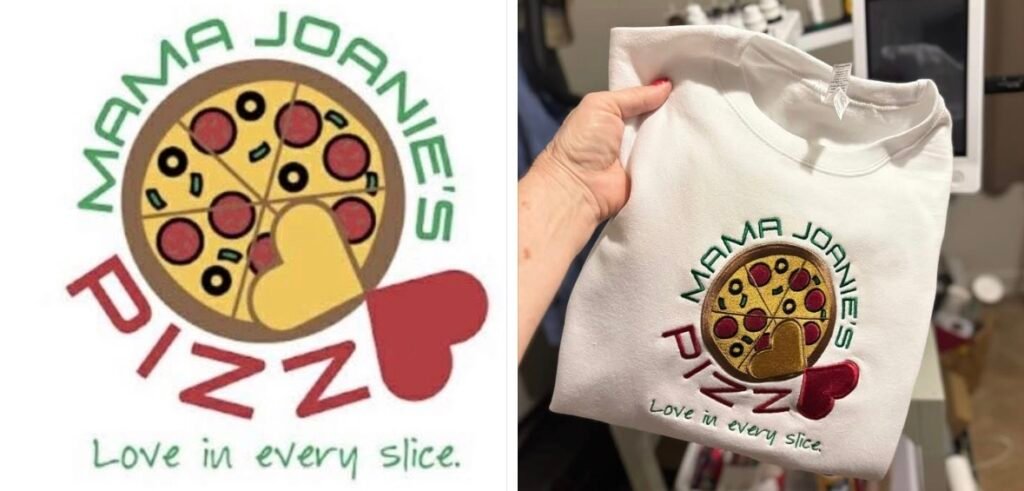
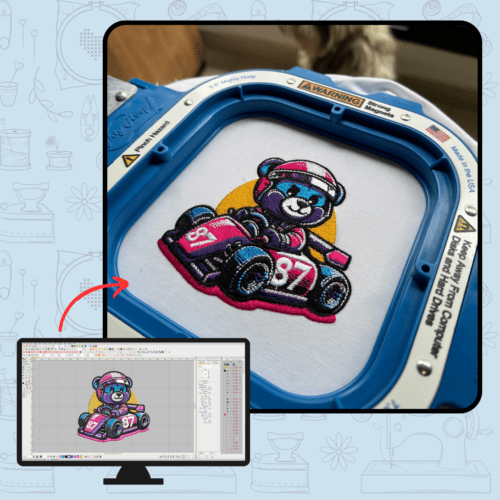
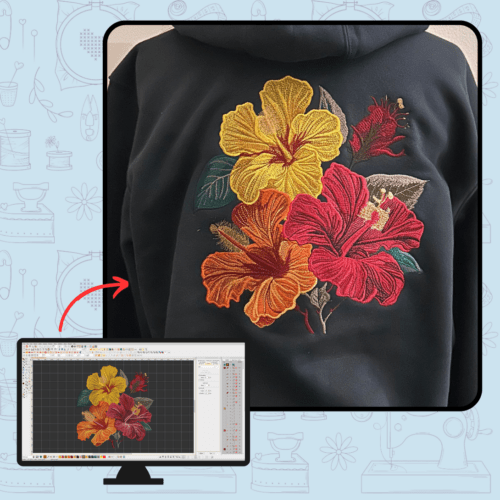
Real jobs, side by side. On the left, the design file we delivered, rendered by Wilcom itself. On the right, the customer’s own photo of it stitched out.
 Digitized
Stitched
Digitized
StitchedDrag the handle to compare. Tap a thumbnail to change the job.
Four steps, and you decide at step three.
1
Add one card per design, pick your machine formats and click “Add Quote to Cart”. Checkout asks only for your name and e-mail and charges nothing. You get a confirmation e-mail with your request number.
2
Sebastián looks at each design personally and sends your price as a message in your portal account, usually within a couple of hours. You get an e-mail alert, and the pay link travels with the quote.
3
The pay link works without logging in. Pay by card, PayPal or crypto (PSE if you are in Colombia). Your turnaround starts here: 1-2 business days, or 8 hours with Rush.
4
You get a completion e-mail with stitch previews and download links, and the same files in your account under Digitizing Orders. Messages, revisions and re-downloads live there too.
Included with every order
Every order comes with an account where your quote, messages, due date and delivered files live in one place, on your computer or on your phone as an installed app. This is what it does at each step.
Request your quote here or from the portal’s New Order tab; your first request creates your account. One card per design, with your artwork and your machine formats, which the portal saves as your default for next time. Sebastián answers with your price in the portal and by e-mail, usually within a couple of hours, and you pay only when you agree.
One thread per order number plus a general chat, with photos, files and voice notes. Reply from your e-mail and it lands in the same thread, and alerts reach your phone with the installed app.
Each design moves through Submitted, Quoted, Processing and Ready, and shows its due date once it is scheduled. Pay the invoice from the same order. Orders placed by WhatsApp or Messenger appear in the same list.
Every delivered file from every order, kept in your account and ready to download again, one by one or as a zip per order. Every delivered machine file opens in True View to watch it stitch and in Thread Match for real thread codes.
Convert a delivered file to DST, PES, EXP, JEF, VP3, XXX or PEC on your own device, free, when a second machine needs it. E-mail chosen files to up to 10 addresses, and add up to 10 people who receive the delivery e-mails: one when your files are delivered, one when the order is marked complete.
One account for the store and the portal. Your first quote request creates your account (we e-mail you a link to set your password), or create it now at portal.abdigitizing.com/auth.
Choose up to 4 formats per order. Every design also comes with a PDF production worksheet.
Using Embird? An .edr colour file is optional. Ask for it in the description.
Not as attachments. When your design is done you receive a completion e-mail with previews and download links.
The same files stay in your account under Digitizing Orders, where you can download them again and message us about a revision.
Only have a photo or screenshot? Paste it or drop it in. Images, PDF, vector files and existing embroidery files are accepted, up to 25 MB per file.
Included
Ready in 1-2 business days after payment. Quotes themselves are usually answered within a couple of hours.
+$10 per design
Ready within 8 hours of payment. Pick Rush on the design card; it applies only to that design.
Flat +$5 · Hat +$12
We sew your design out on a flat piece or a cap and send you the photo with your completed order, so you see real thread before you run it on the garment.
If something needs to change after you stitch it, send a message from your account or reply to the e-mail. Tell us what you see, a photo helps, and we adjust the file and send it again. Every file is digitized manually in Wilcom EmbroideryStudio and reviewed by Sebastián before it goes out.
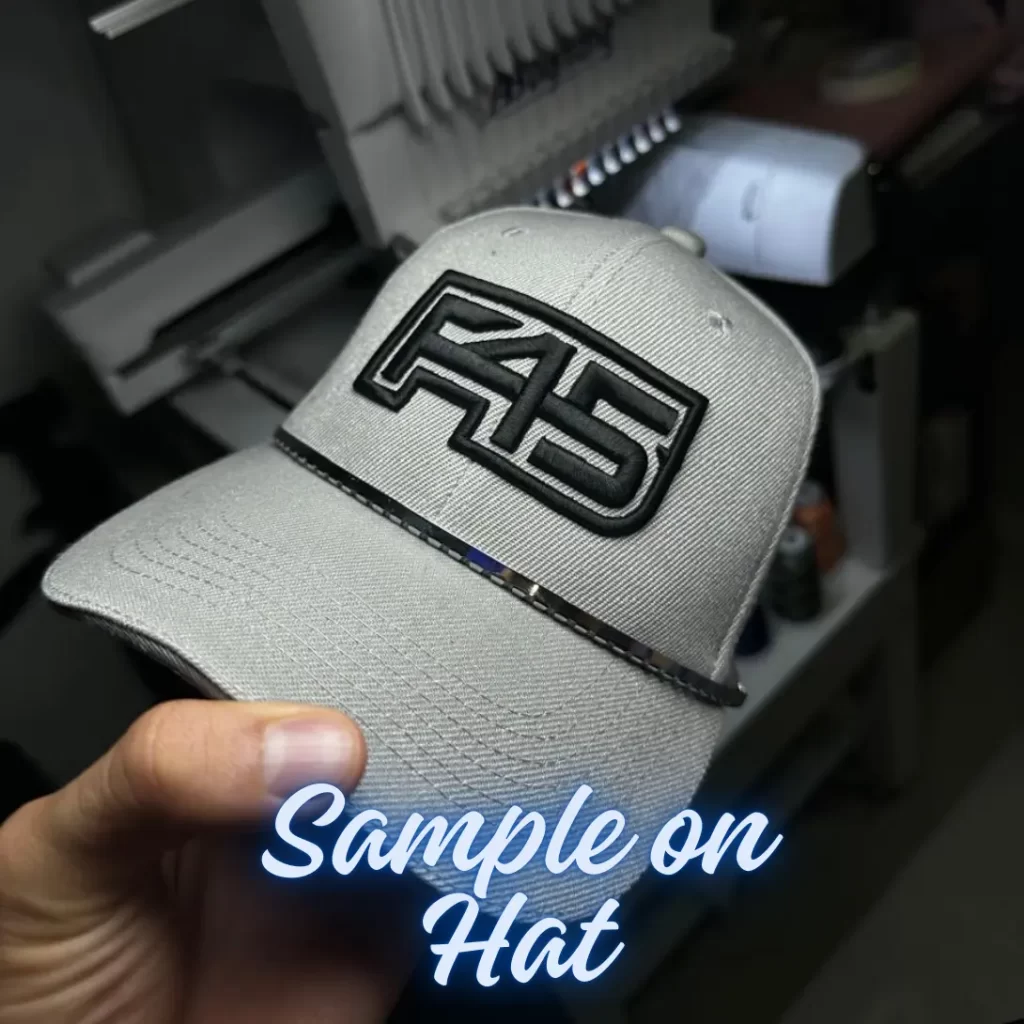
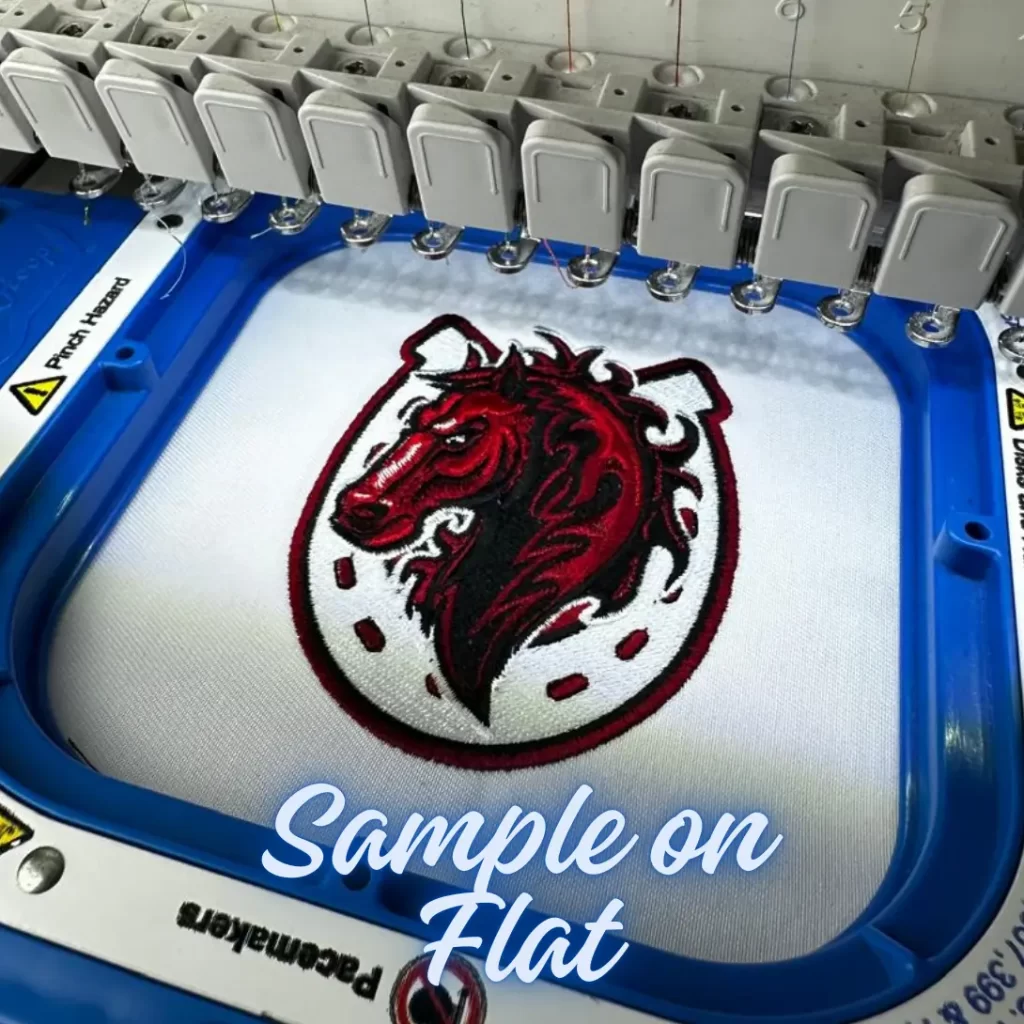
Sample stitch on a hat and on a flat piece
“We had no issues stitching this out. Looks amazing!”
Mindy L., verified review, August 2026
“Greatest digitizer I have ever used. I want to keep it a secret.”
Rebecca Clayton, verified review, July 2026
Payment, turnaround, formats and delivery, answered before you order.
Only after you accept the price. Your quote arrives as a message in your account, with an e-mail alert, and the pay link in it works without logging in. Pay by card, PayPal or crypto; PSE is available in Colombia. Nothing is charged when you submit the request.
Standard digitizing is ready in 1-2 business days after payment. Choose Rush (+$10) on a design and it is ready within 8 hours. Quotes are usually answered within a couple of hours.
DST, PES, JEF, EXP, HUS, VP3, XXX and EMB, up to 4 per order, plus a PDF production worksheet for every design. Tajima and most commercial machines use DST; Brother and Baby Lock use PES; Janome uses JEF; Melco and Bernina use EXP; Husqvarna and Pfaff use HUS or VP3; Singer uses XXX. If you are not sure, tell us your machine in the description.
Not as e-mail attachments. When the design is done you get a completion e-mail with stitch previews and download links, and the same files are stored in your account under Digitizing Orders, where you can download them again at any time.
No. Click “Add Another Design” to add a card for each design in the same order. Machine formats apply to the whole order; size, turnaround, sample stitch and notes are set per design. You get one quote with a price for each design.
Revisions are unlimited. Send a message from your account or reply to the e-mail, tell us what you see (a photo of the stitch-out helps), and we adjust the file and send it again.
Drop it in, or paste it straight into the artwork box. Images, PDF, vector files (AI, EPS, PSD, CDR) and existing embroidery files are accepted, up to 25 MB each. Tell us the size you need and where it will be stitched.
Not to request a quote or to pay. After your first request we e-mail you a link to set up your account. That is where your files, messages and order history live.
Digitizing turns your logo or artwork into a stitch file your embroidery machine can read. We draw every stitch path manually in Wilcom EmbroideryStudio, choosing stitch types, densities, underlay and sequence for the fabric you plan to use. The result is a file, such as DST or PES, that you load on the machine.
Send the artwork, get your price, pay only if you agree.
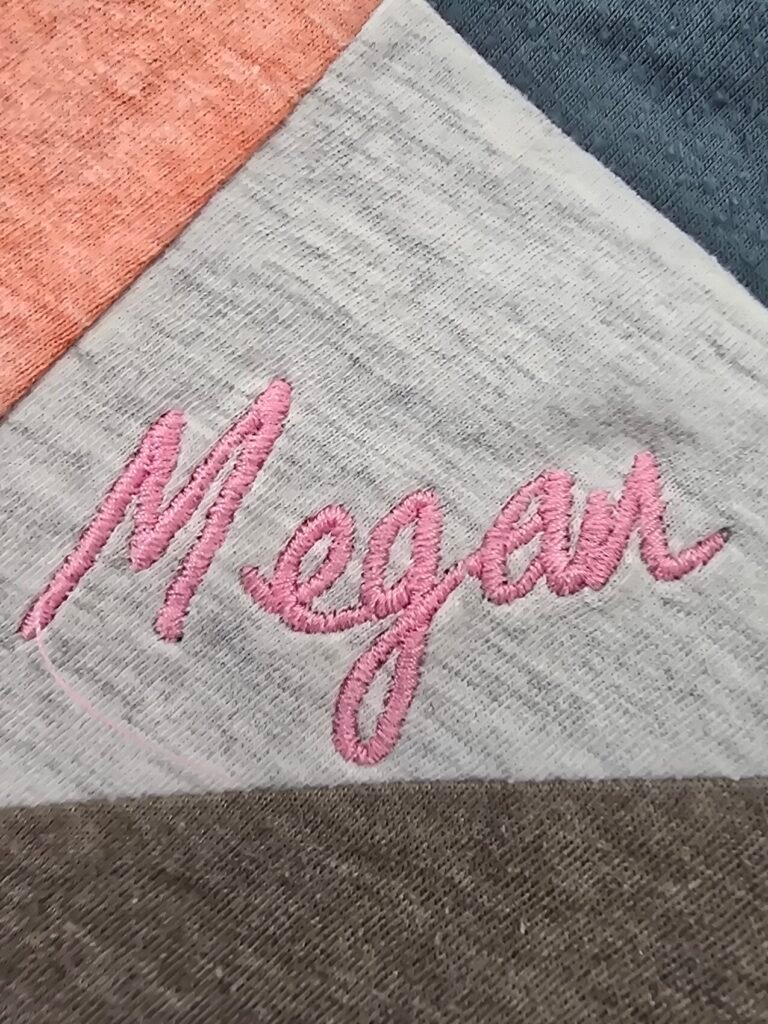
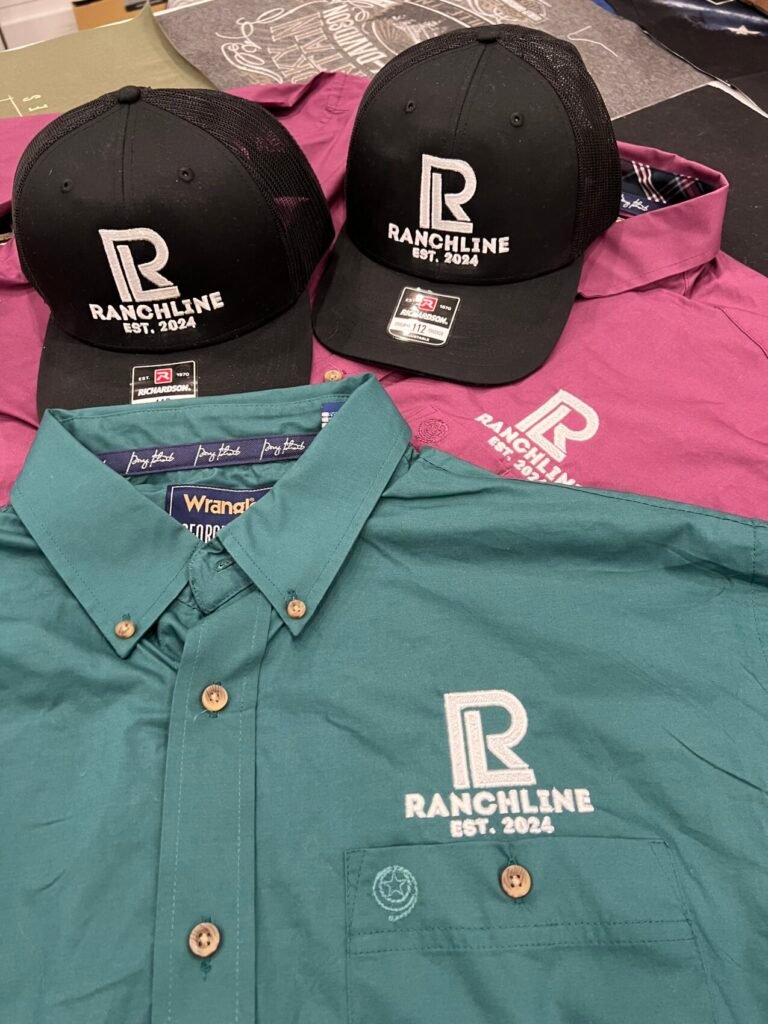
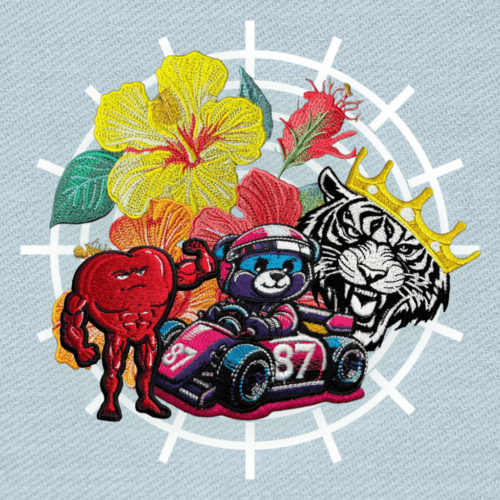
Customer photos and videos
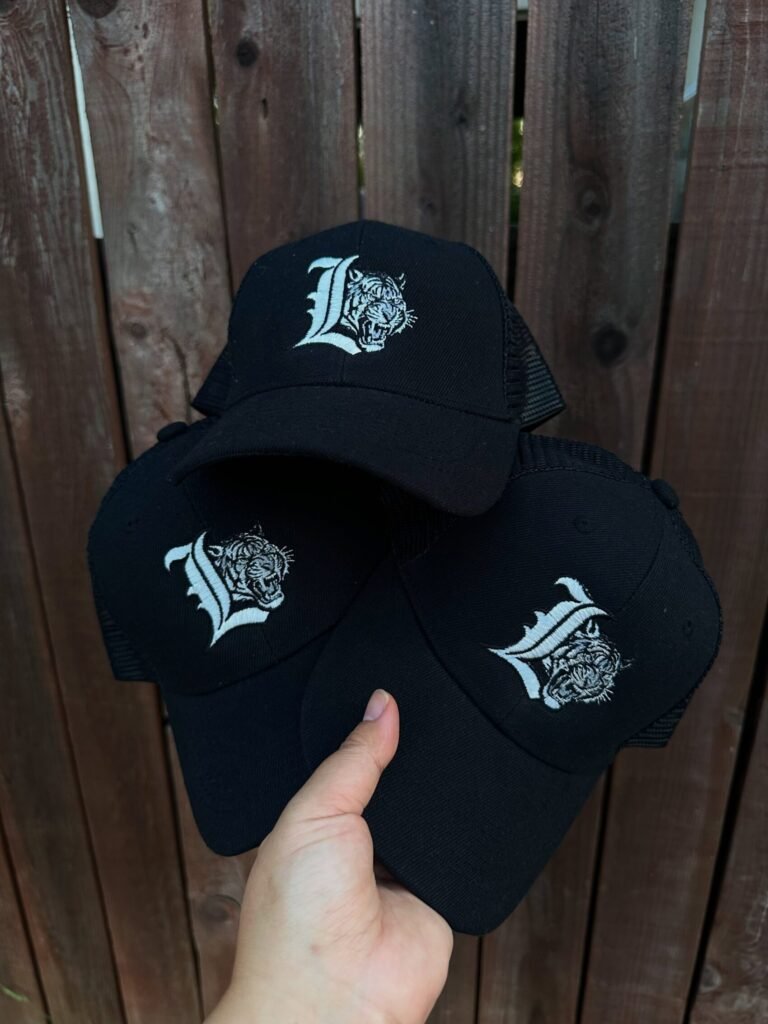
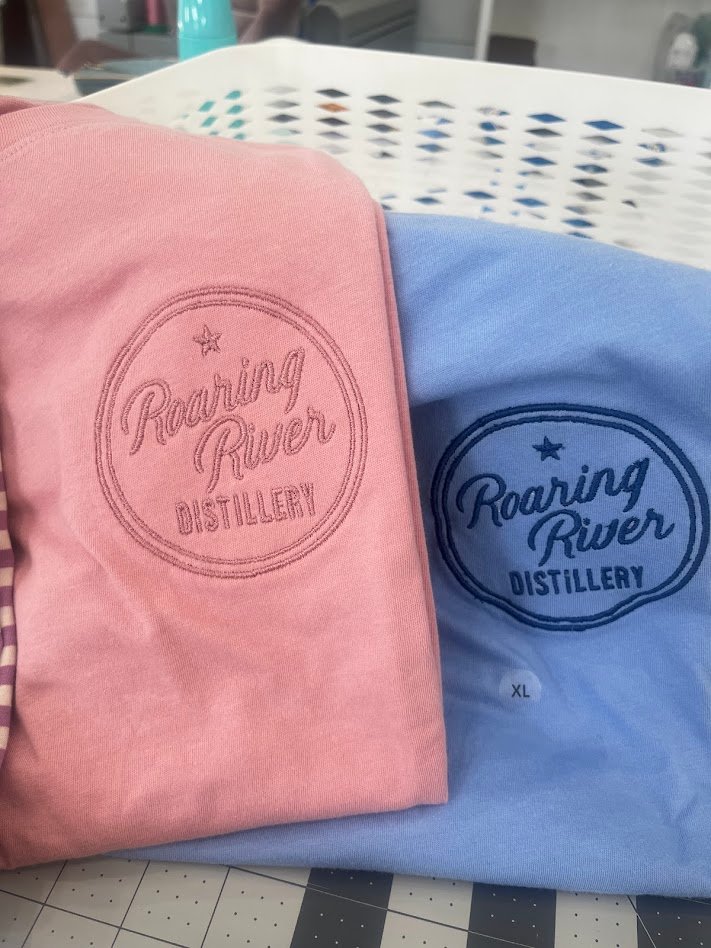

 Embroidery Digitizing Service


His work is top notch!
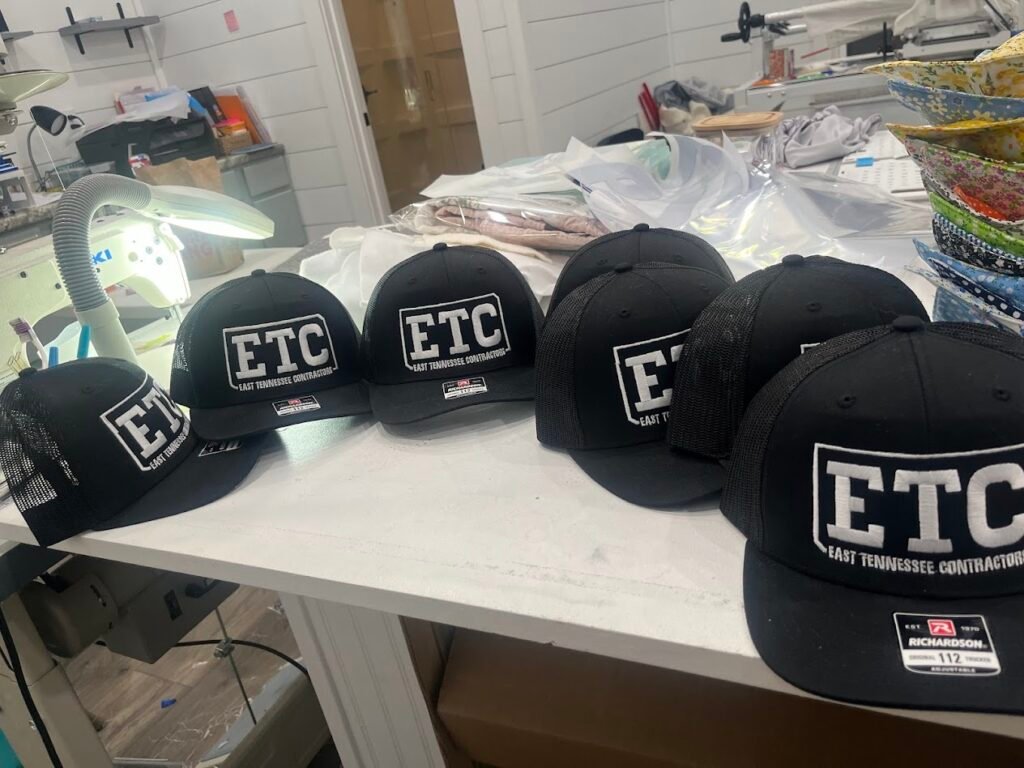
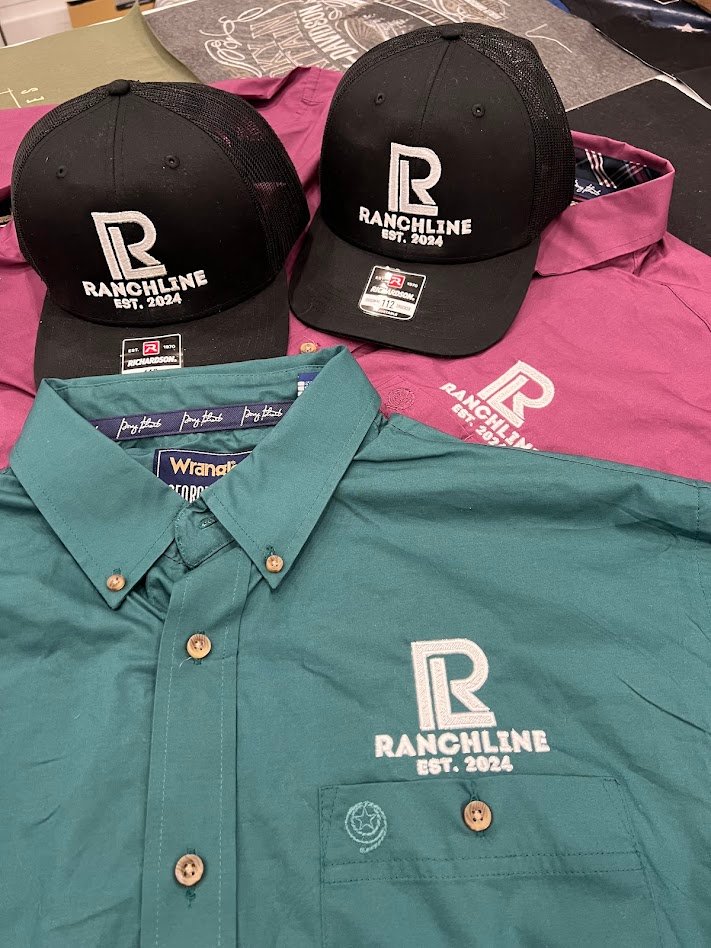
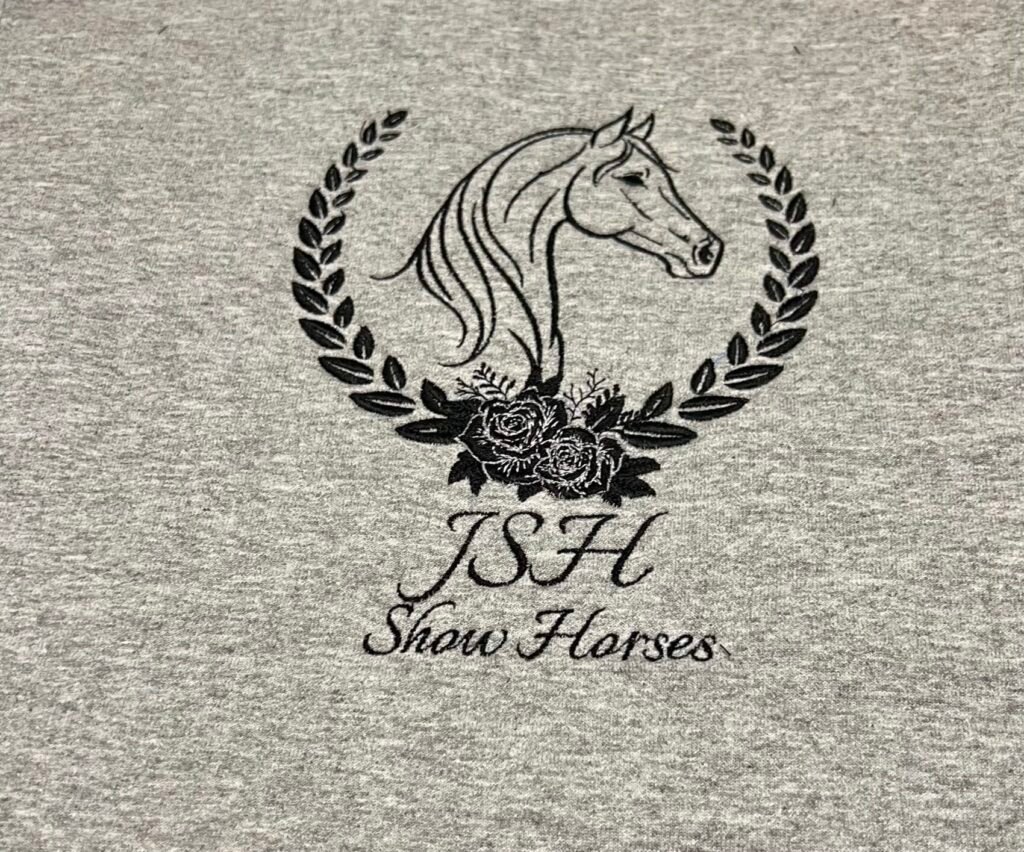
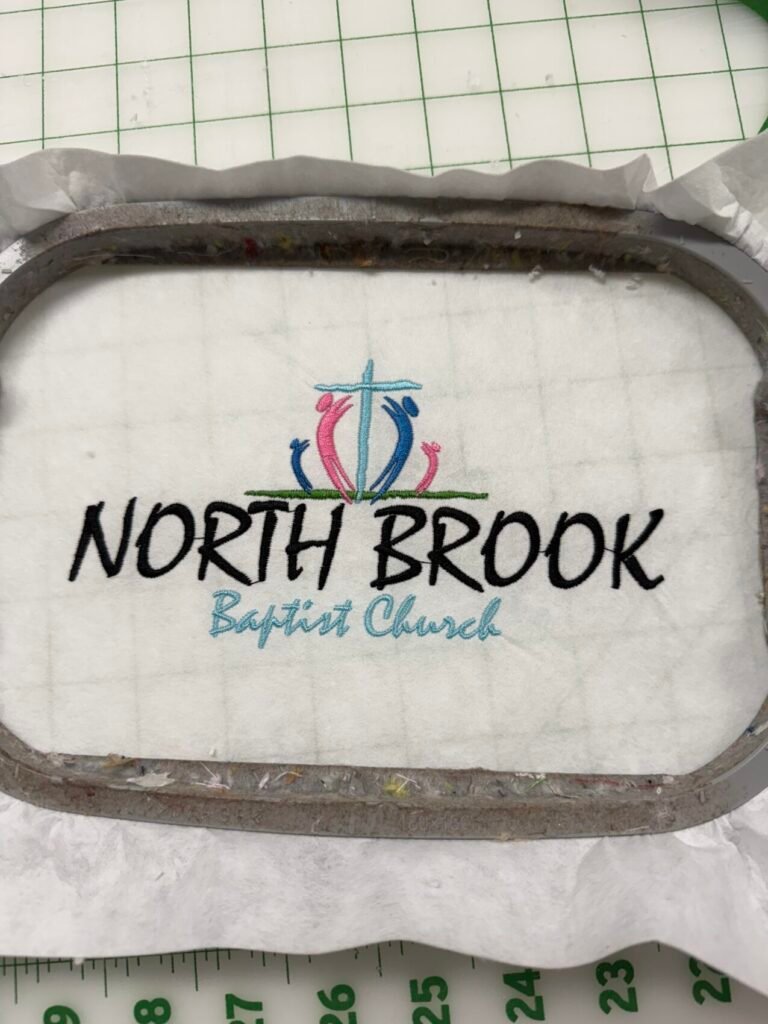
We had no issues stitching this out. Looks amazing! Thank you so much!
Wow. This stitched out so beautifully. Sebastian is just the bomb. A true artist in his work. And so nice to work with!
The design is Lovely as always! Sebastian is and always will be my Go to!
Perfect as always!
Just what I asked for! Stitched perfectly.
Once again this stitched out Beautifully. Same as EVERY design I have done.
Excellent service! Speedy turn around time with high quality work that stitches out beautifully!
Greatest digitizer I have ever used. I want to keep it a secret.
Muy buen trabajo como siempre, 100% Recomendado
Perfect stitch out!
Very good work.
Great, made adjustments to the design as I wanted and it embroidered wonderfully!
stitched out nicely, great communication and changes!
Always perfect!
Sebastián always does a good job with my digitizing needs. In this particular case my customer loved her left chest logo. It came out nicer than the one that the company had stitched up for her. Thanks again Sebastián!!
Fast and quality stitch. Were always happy our order
Beautiful s as always!!